Namaste!

User Interface Developer

Category: How-to

How-to

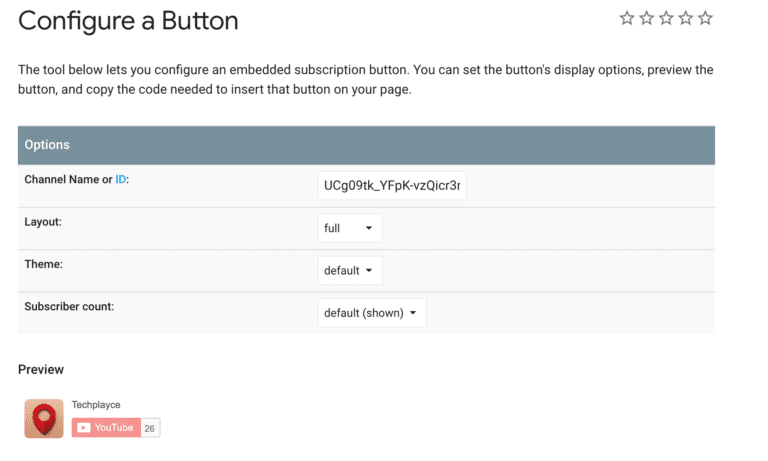
Show YouTube subscriber count on your website

If you run a YouTube channel and want to display it’s subscriber count on your personal blog or a website, there is a very simple way of doing it. All you need is to paste a 2 line code inside your display wrapper. This might be the quickest way to display Subscriber count on any […]
June 14, 2019
How-to

Install Homebrew on Mac

Homebrew is a package manager for Mac systems. The biggest advantage of installing Homebrew is that it makes your developer life somewhat comfortable and quick. Installing huge applications like Node, NPM becomes just 3 words matter. Learn more about it on it’s official website – http://brew.sh/. Best part: It comes free. Installing Homebrew is a […]

May 19, 2019
How-to

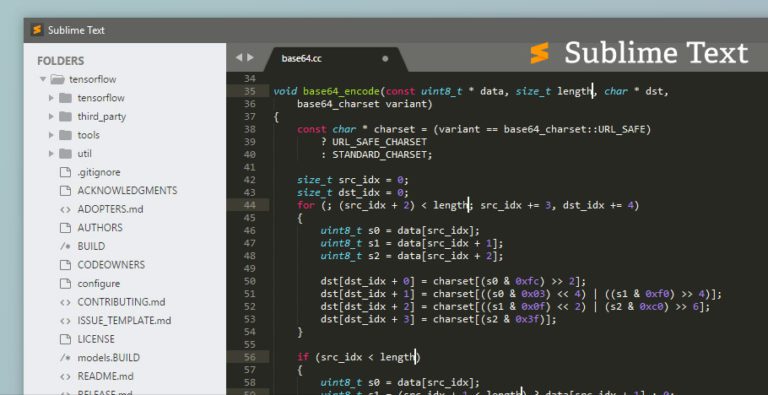
Ingore specific folder or file from Sublime Text

While working with Node.js environment or working with SASS CSS pre-processor or with GIT, sometimes it becomes annoying when the Sublime Text Editor starts showing you unwanted files in File Navigation Prompt (“Ctrl + P” in Windows) or (“CMD + P” inside Mac). Well, Sublime Text allows you to configure the user settings to exclude […]

February 4, 2018
How-to

Setup SASS/SCSS compiler on a Windows machine

SASS/SCSS is well-known CSS preprocessor used to write your traditional CSS in a very fast and efficient way. It’s almost same with some extra features like Variables, Mixins, Inheritance(extend), Import and many more features. Basically, SASS helps you manage the CSS part on larger projects very easily. 1) Ruby Installation: To get it working on […]

March 23, 2017