

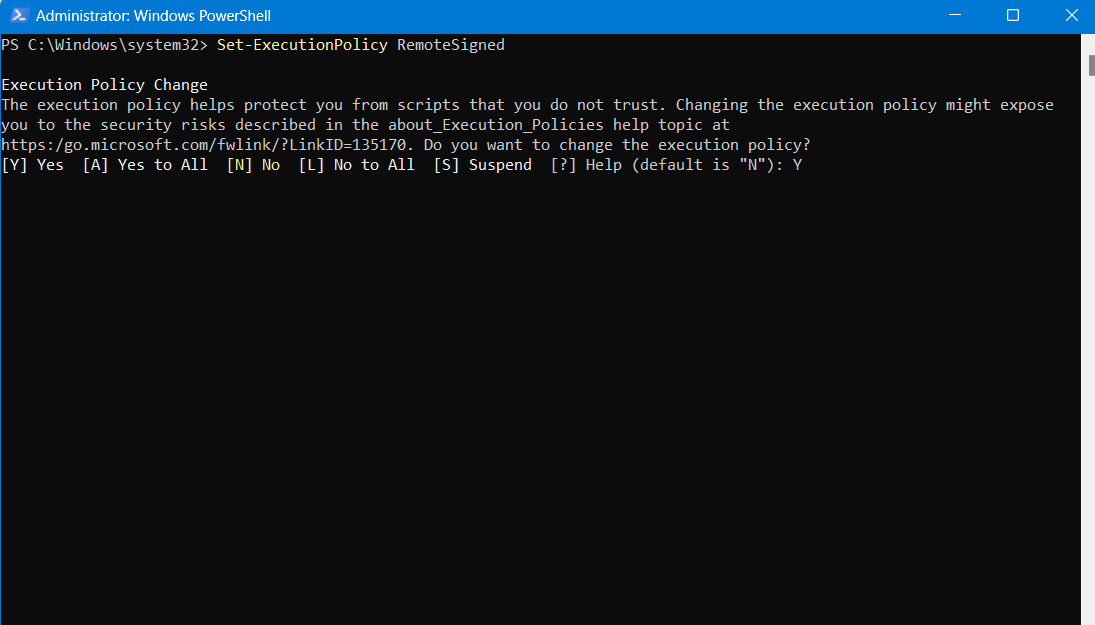
After installing node on your windows and if you are facing issues like npm, firebase is not installed due to some script execution policy, you can override the changes using a command shared below.
Error:
npm error C:\Program Files\nodejs\npm.ps1 cannot be loaded because running scripts is disabled on this system.Solution:
You need to follow below steps in order to allow these kind of scripts to execute.
- Run PowerShell as Administrator
- Run command
Set-ExecutionPolicy RemoteSigned - The shell will ask you enter a command: Type “Y” for Yes.
- Volla! You are done.
